NeuroRoutine 0→1: Product Design & Founding
NeuroRoutine is a calm, private routine and wellbeing tool I built for my own family. A child showing symptoms of ADHD and autism changed how we manage daily life. It's local-first, fully offline, and now live in daily use by our family.
Role: Founder & Product Designer (end-to-end: problem discovery, product strategy, UX/UI, feature prioritization, and shipping). I built the web app; native mobile (Expo / iOS + Android) is in progress so both parents can use it.
Timeline: Personal project → live web app used daily by our family.
What makes Family, Family
My child shows symptoms of ADHD and autism. Our occupational therapist regularly gives guidance on daily habits, sensory needs, independence levels, and activities that help or overwhelm. I was writing notes everywhere and still forgetting them. My partner and I needed a shared, low-friction way to:
- Capture and follow through on therapist recommendations
- Build consistent, realistic daily and weekly routines without forcing what isn't ready
- Track real progress (especially independence) so we could show the therapist what actually happens at home
- Coordinate between two parents without constant verbal hand-offs or lost information
- Keep everything private and local, with no cloud accounts and no data leaving our devices
Existing tools were either too clinical, too generic (habit trackers), too social, or required accounts and internet. Nothing combined calm daily use for parents, independence tracking, sensory logging, reward systems tuned for neurodivergent kids, and easy therapist export while staying fully offline and private.
I decided to build it.
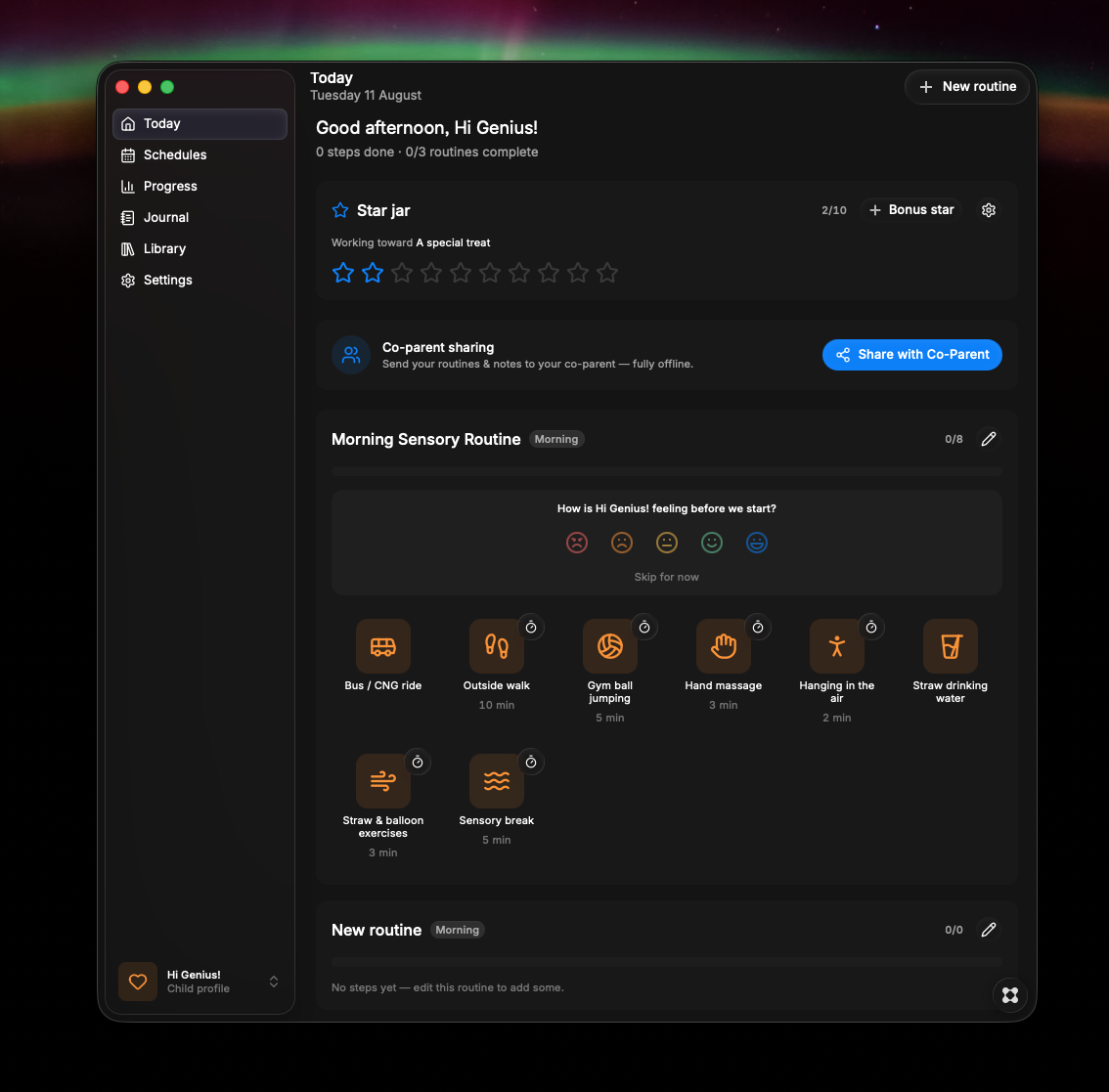
Simplicity through gradual revelation
- Make daily routines feel supportive rather than overwhelming.
- Help both parents stay aligned with minimal friction.
- Turn therapist advice into visible, trackable progress at home.
- Protect privacy completely (local-first, optional file sharing only).
- Design something calm enough that tired parents would actually open it every day.
Fluidity through seamless transitions
I started from our actual pain points and the therapist's language rather than from feature checklists. Core product principles I set early:
- Local & private by default. No accounts, no internet required.
- Calm visual language and low cognitive load (soft shadows, restrained color, clear hierarchy).
- Independence over compliance. Track "how much help was needed" so we can fade prompts over time.
- Co-parent collaboration without complexity. File-based sharing that non-technical parents can use via AirDrop / Messages / USB.
- Age- and need-aware templates so we weren't starting from a blank page every time.
I used AI tools (Grok, ChatGPT) and no-code where they accelerated execution, but owned the problem framing, prioritization, information architecture, interaction design, and final experience.
The goal was speed to a usable family product, not engineering purity.
Masudur Rahman
Delight through selective emphasis
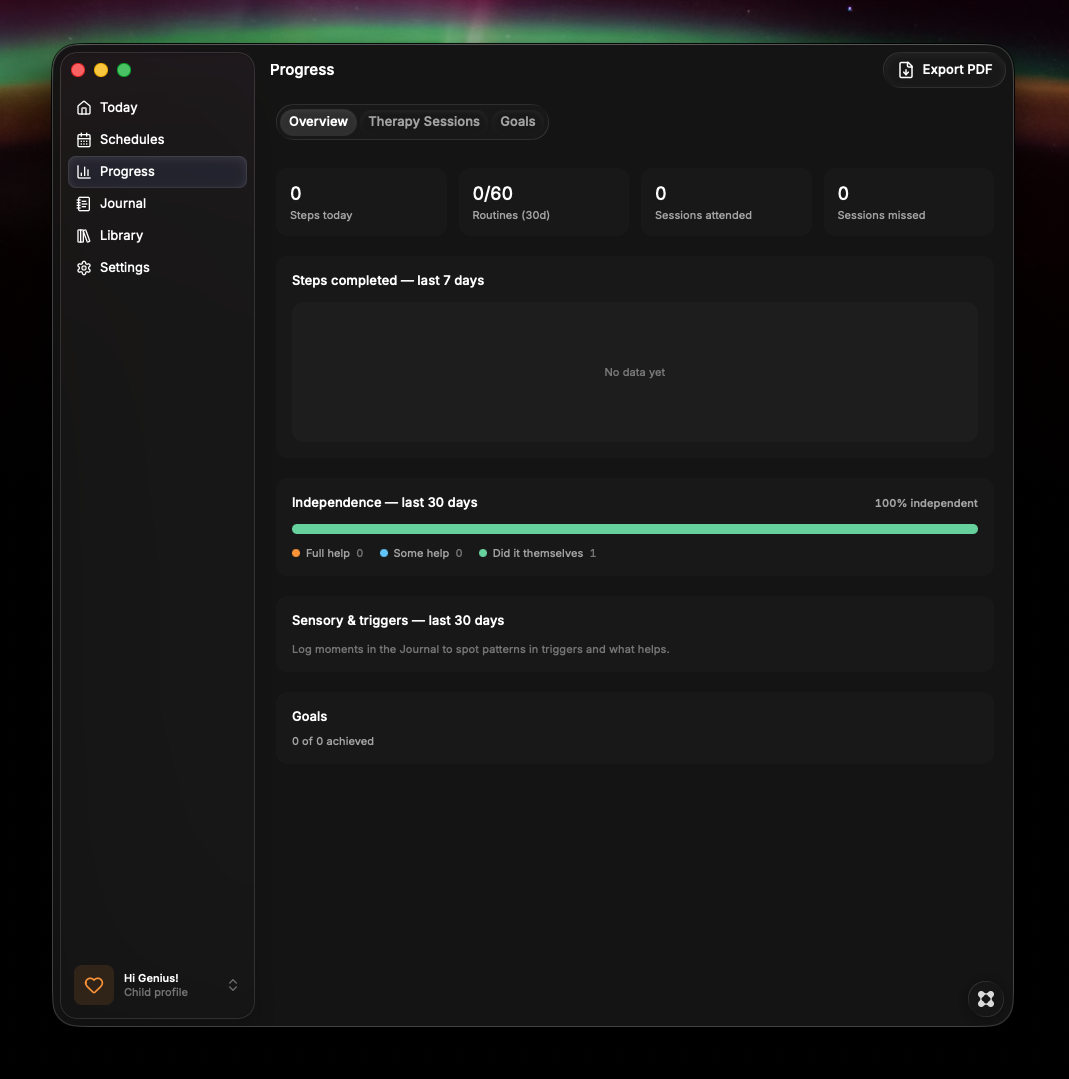
Independence tracking & prompt fading
Every completed step asks "how much help?" (full / some / independent). Progress views show trends and distribution. When a step is independent several times in a row, a gentle suggestion appears to start fading prompts. This directly mirrors how our OT talks about building skills.
Star reward jar
A simple, visual per-child jar that fills as routines and steps are completed, plus a bonus-star option. Parents set the target and what the stars are working toward. Celebration on redeem. Designed to feel encouraging rather than gamified pressure.
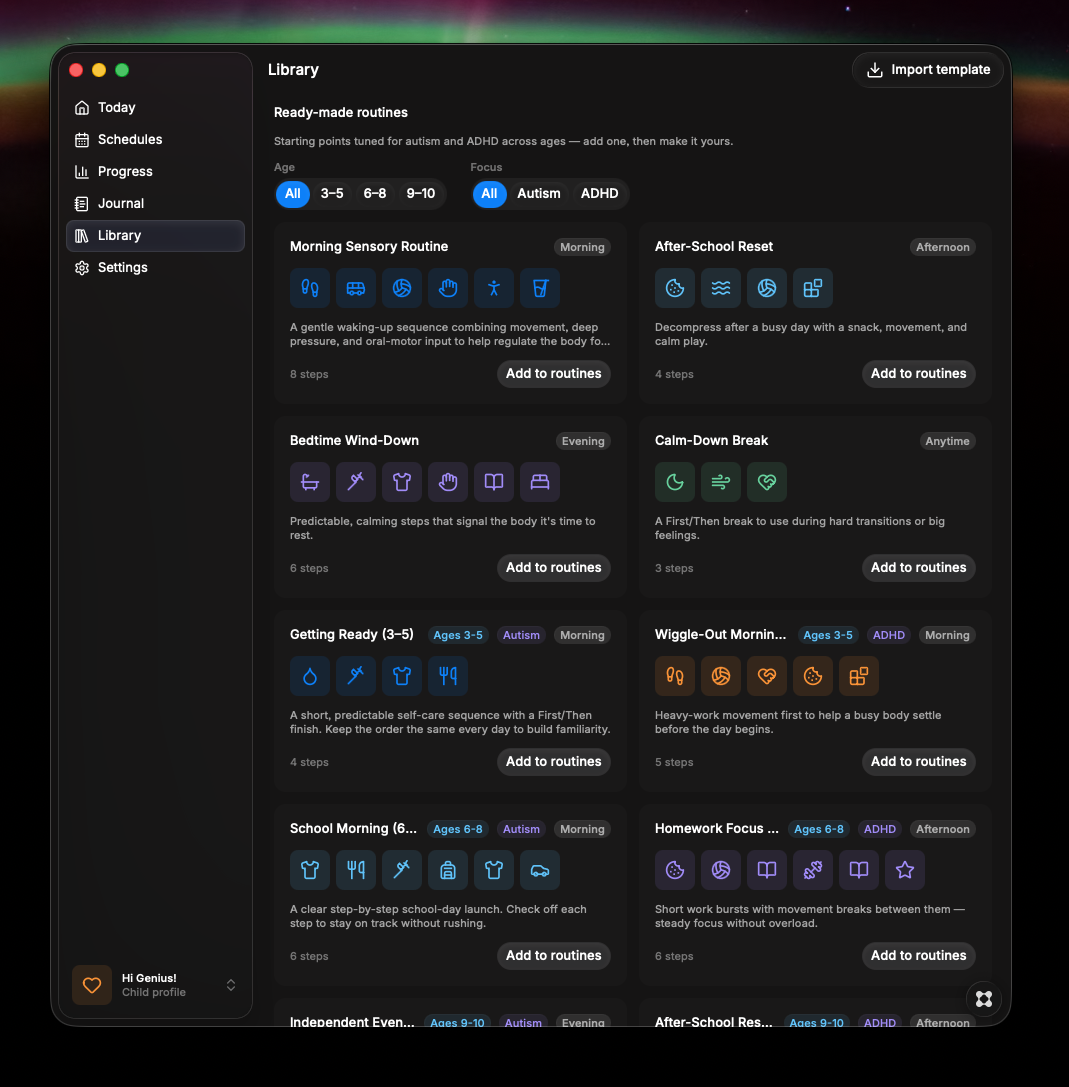
Age-based templates
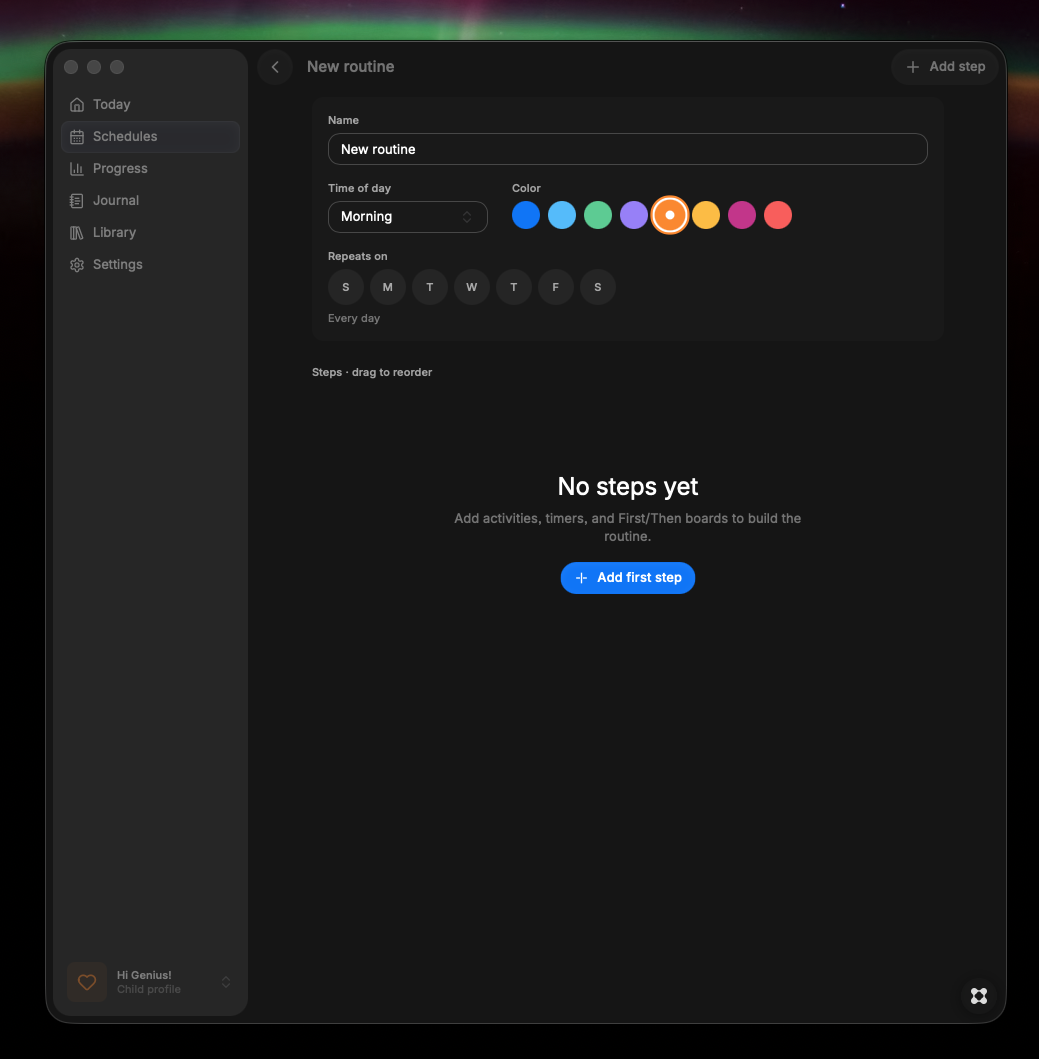
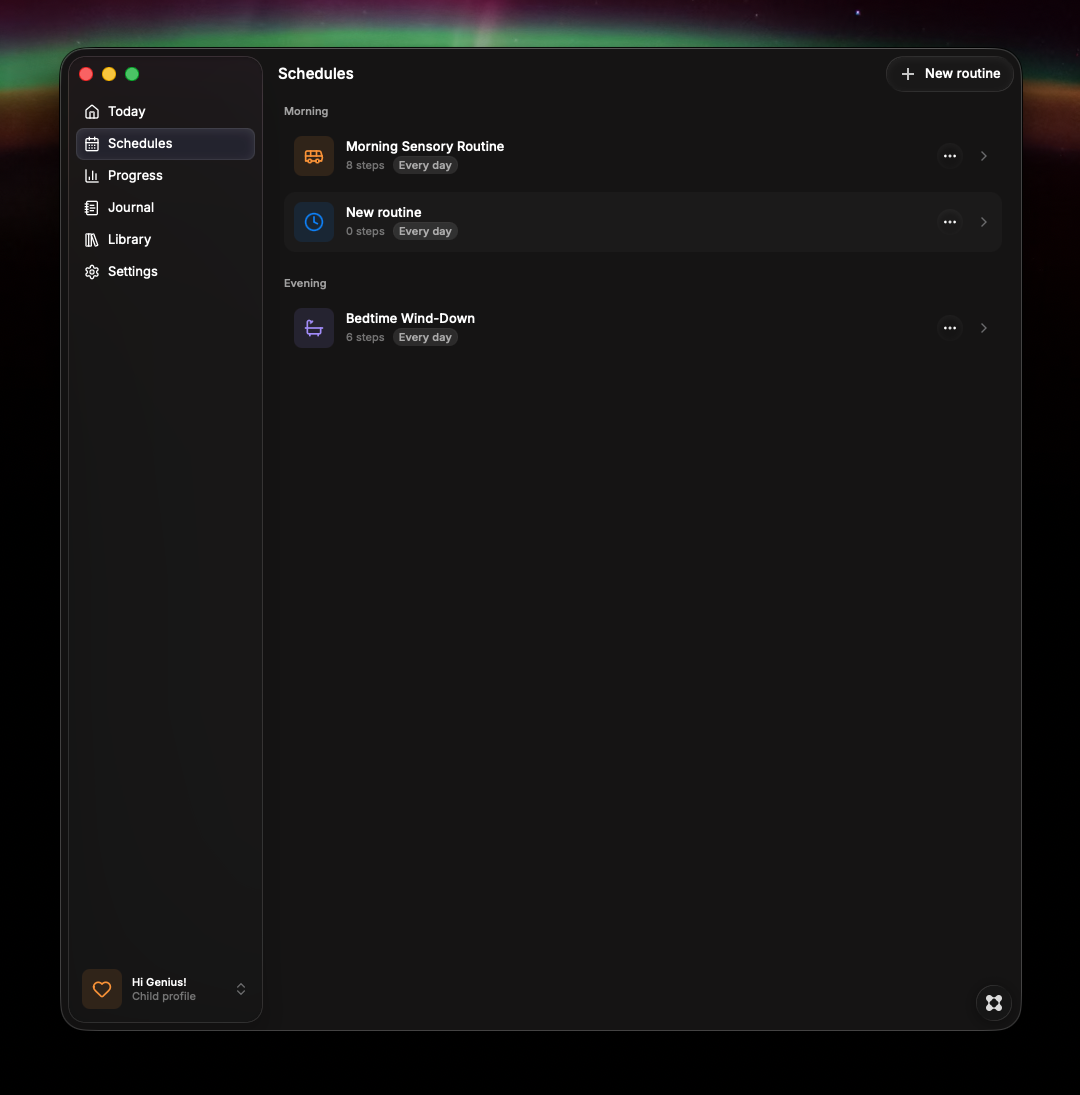
Ready-made routines filtered by age bands (3 to 5, 6 to 8, 9 to 10) and focus (autism / ADHD). These became the fastest way for us to start and later customize.
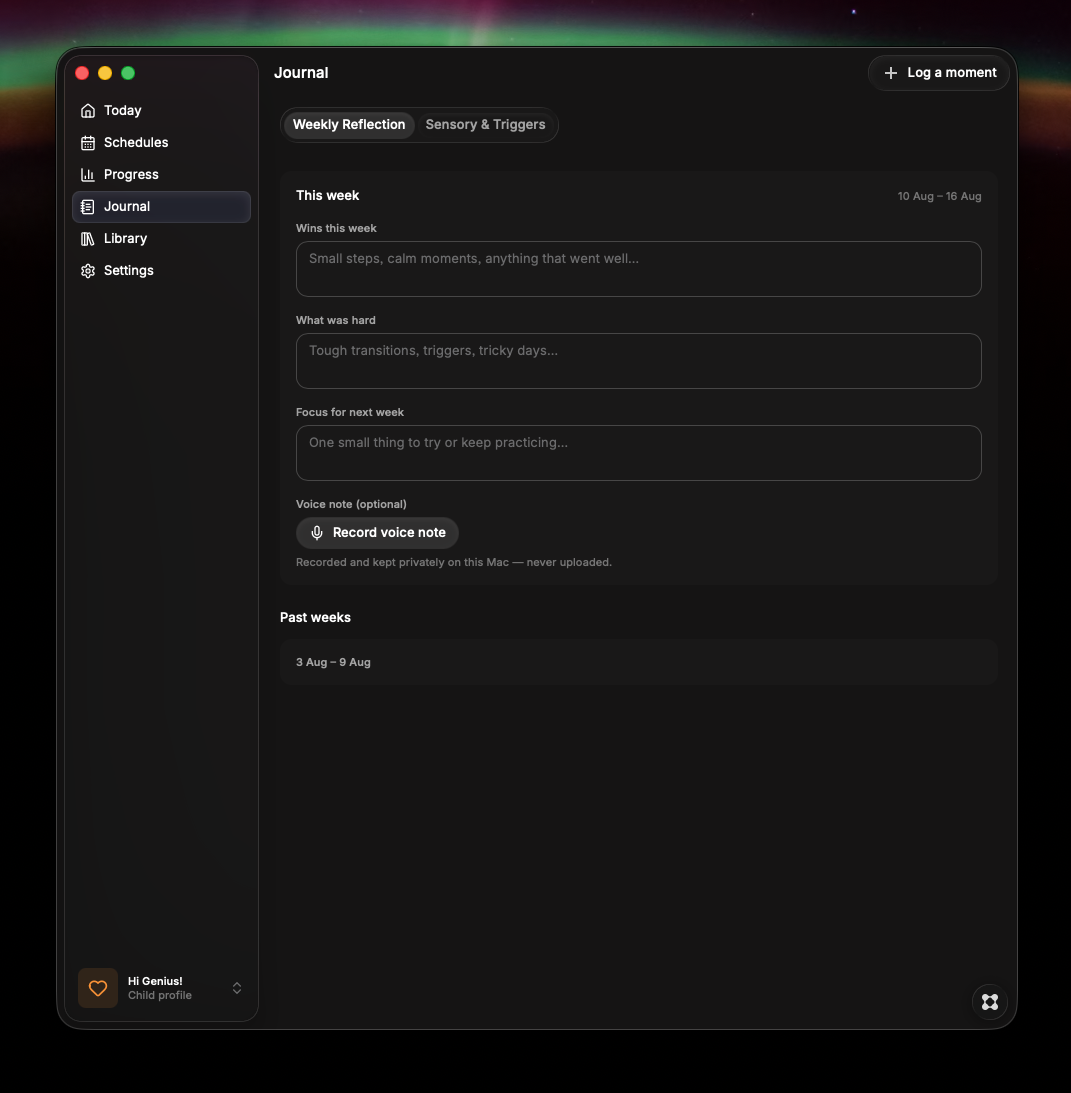
Journal: sensory/trigger logger + weekly reflection
Two-tap logging (intensity + tags + note) with a calm daily timeline. Weekly parent reflection with three gentle prompts and optional local voice notes (stored only on device, never uploaded). Microphone permission is requested only when first used.
Therapist-ready PDF export
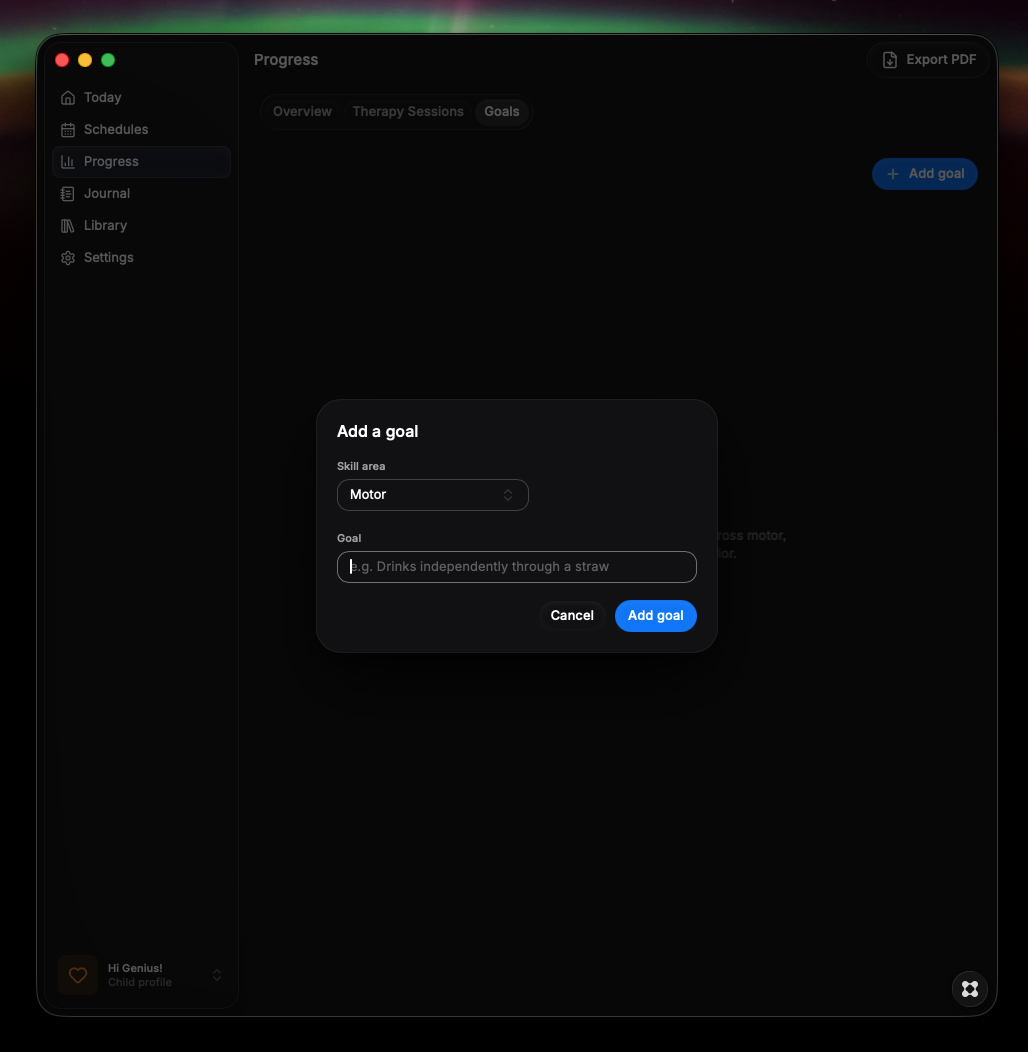
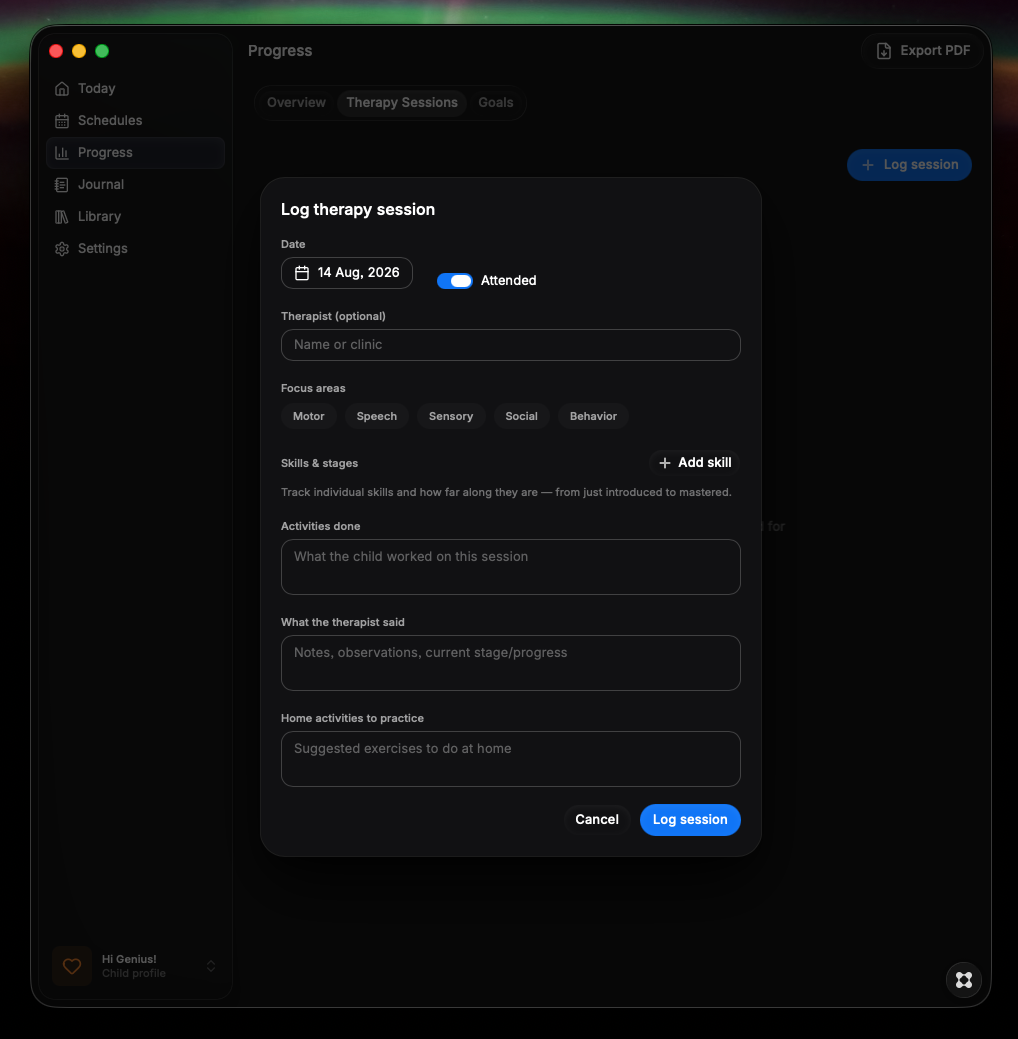
One-click export that now includes independence trends, level breakdown, skill-stage summary, reward summary, top sensory triggers, sessions, and goals, so the therapist sees the real home picture.
Local co-parent sharing
A prominent "Share with Co-Parent" button lives on the dashboard and in Settings:
- Exports everything meaningful as a single .neuroroutine file with plain-language instructions for AirDrop / Messages / USB.
- Double-click opens the file directly into a review screen.
- Smart merge: new items are combined automatically; only true conflicts (e.g. both parents edited the same recurring schedule) surface a simple "Keep mine / Use theirs" choice. Notes and comments from both parents are always preserved.
- "Suggest a change" + comment threads on individual steps so one parent can propose and the other can approve, modify, or dismiss.
- "Last synced / Imported from" timestamps and a simple name field so it's clear whose version is current.
- Voice memos stay private on each device to keep the shared file small and practical.
UI system details that support daily use
Collapsible sidebar that shrinks to a clean icon-only rail (max ~48 to 72 px) with an expand control. Selected states use soft white inner shadows and a light stroke so the interface stays calm and readable in both full and compact modes. Consistent treatment across buttons and small tabs. Everything remains fully offline and local.
Family comes first
The web app is live and in daily use by our family. We can now:
- Capture therapist guidance once and turn it into living routines
- See independence trends instead of just "done / not done"
- Share a complete picture with each other and with the OT without retyping or losing notes
- Keep the emotional tone calm and non-judgmental
Mobile (Expo) is under active construction so both parents have native access regardless of platform.
The biggest early win is reduced friction and fewer "I forgot what the therapist said" moments. The product is still evolving with real family use.
Reflection
Building for my own family forced ruthless prioritization: every feature had to earn its place in a tired parent's evening. Privacy and calm design were non-negotiable; complexity was the enemy.
Working 0→1 as both founder and designer taught me to ship thin vertical slices (independence tracking + rewards + sharing) rather than waiting for a perfect system. The co-parent merge logic and suggestion threads were the hardest interaction problems. Making collaboration feel safe and low-conflict mattered more than clever technology.